



Betscore Mobile Live Casino: A Practical Play Guide
Mobile players looking for live dealer entertainment need more than a long game list. They need a clear view of how the lobby is organised, which formats are available, how a phone handles streamed tables, and what account or payment conditions may affect play. The betscore live experience brings live casino content into a broader platform that also includes slots, sports betting and account tools. This guide focuses on using that live-casino environment from a mobile browser, while keeping the practical details—navigation, connection quality, balances and player safeguards—in view.

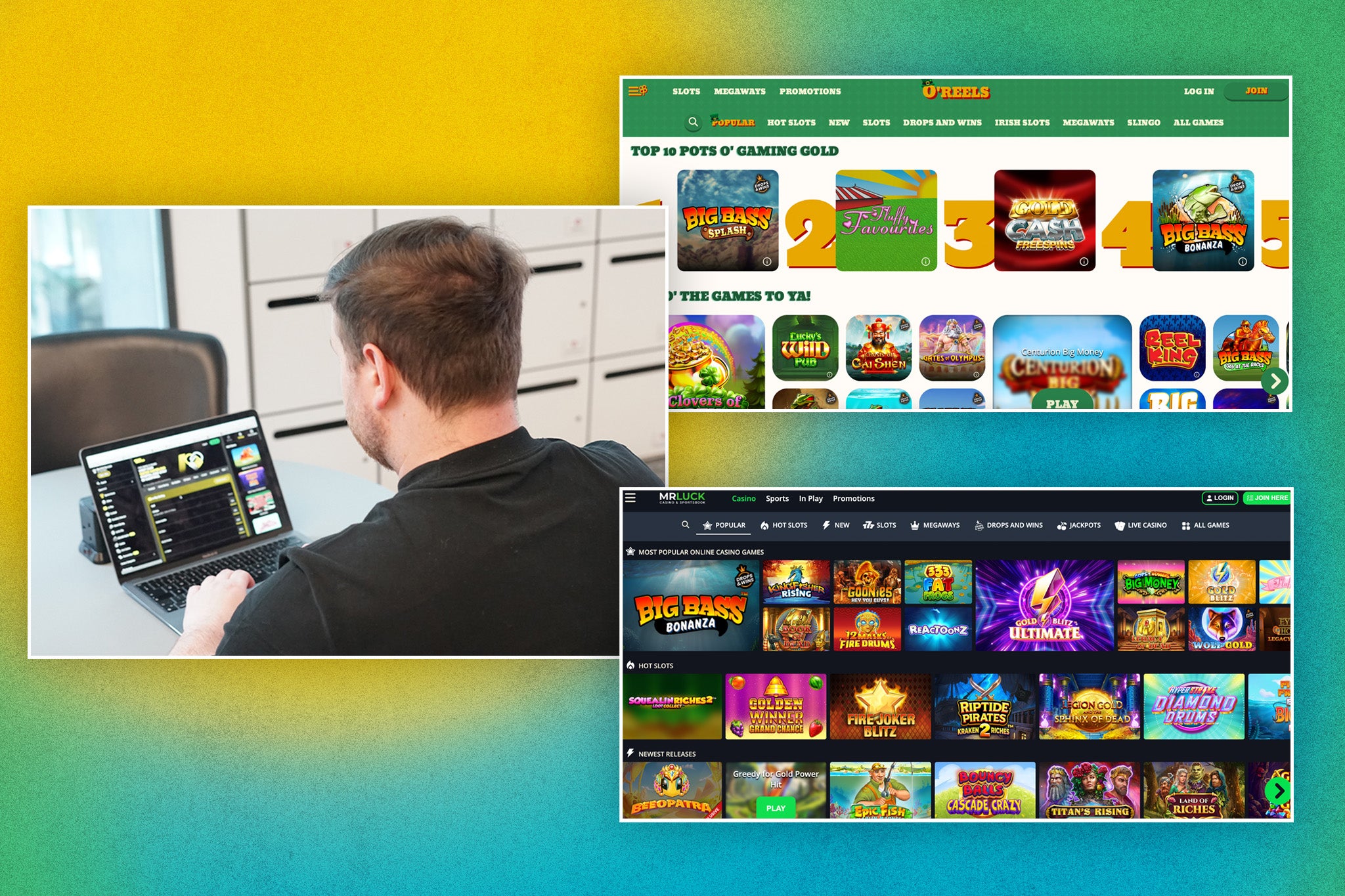
Finding Live Casino Games on a Phone
The mobile casino lobby is designed to work through a responsive browser rather than requiring a native application. That means players can open the service on an iPhone or Android device and browse the available casino sections from the same general account environment used on desktop. The live casino area is separate from standard slots and includes streamed dealer tables as well as other live-oriented formats.
Available categories cover familiar table games such as roulette, blackjack, baccarat and dice. The lobby also lists poker, game shows, international tables and the Gold Saloon section. These categories matter because live casino is not one uniform product: a player seeking a conventional blackjack table has a different need from someone looking for a game-show format or a particular roulette presentation.
Filtering can make a large catalogue easier to handle on a smaller screen. Players may browse by category, provider or the live-games section rather than scrolling through every title. The listed live suppliers include Lucky Streak, Imagine Live, SA Gaming, VivoGaming and CreedRoomz Live. Availability and presentation can vary within the lobby, so checking the individual game tile and its information before opening a table is sensible.
Making Mobile Streaming Easier to Use
Live casino depends on a steady connection because video, audio and game information are delivered continuously. A reliable Wi-Fi connection or strong mobile data signal can reduce interruptions, although no connection is guaranteed to remain perfect. Players should also consider the practical setting: a quiet location, sufficient battery and a screen brightness level that makes table details easy to read without creating unnecessary strain.
Mobile browsers are convenient, but the experience can differ between devices, operating systems and browsers. If a table does not load properly, refreshing the page or trying another supported browser may help. Clearing stored browser data is another general troubleshooting step, though players should avoid repeatedly refreshing during an active round if the game interface is still processing an action.
The mobile site also offers a home-screen shortcut option. On Android, this can usually be created through the browser’s “Add to Home screen” function. On iOS, the shortcut is available through the Share menu. This does not create a separate native casino app; it simply makes the browser-based service easier to find. The same account, balance and login are used across mobile and desktop sessions.
Understanding Table Choices and Play Pace
Different live games demand different levels of attention. Roulette may involve quick betting windows, while blackjack requires players to follow the dealer’s hand and choose actions promptly. Game shows can include more presentation between decisions, but their pace still varies by title. Before committing funds, a player should read the table information and understand how the selected game is structured.
Many casino titles in the broader catalogue offer demo play, but the source material does not establish that every live table supports a free mode. A short session, whether free or paid, cannot prove a game’s long-term return or volatility. It is better treated as a way to learn the interface, identify betting controls and decide whether the pace is comfortable.
Mobile play is easier to manage when decisions are made before opening a table. A player can set a spending limit, decide how long the session should last and avoid increasing stakes simply because a connection delay or an unlucky sequence feels frustrating. Live dealer presentation can be engaging, but it should remain entertainment rather than a source of income. No game format can guarantee a favourable result.
Balances, Payments and Verification on Mobile
Canadian accounts support CAD, and the mobile browser includes access to account and cashier functions. Payment methods shown or described for the market include Interac e-Transfer, Visa, Mastercard, Skrill, Neteller, Neosurf and cryptocurrencies such as Bitcoin, Ethereum and Tether. The exact choices, minimums and transaction types available should be checked in the cashier because they can differ by method.
Interac deposits are described as fee-free, while deposit and withdrawal minimums vary across payment options. Not every deposit method can receive a withdrawal. If the original method is unavailable for payouts, another option shown by the cashier may be required, potentially including a bank transfer. Processing time also depends on the method and whether the account has completed required checks.
Identity verification may be requested for compliance and anti-money-laundering purposes. The operator describes possible requirements including government-issued photo identification, proof of address and, in some cases, proof of the payment method. Deposits or withdrawals can be blocked until requested verification is completed. Players should provide accurate, current account details and contact support if information needs to be changed.
Keeping Mobile Sessions Controlled
Account security is especially important on a shared or frequently travelled phone. Players should keep login details private, use a device lock and avoid saving credentials in a browser that other people can access. If access fails despite correct information, general troubleshooting includes clearing cookies and cache or trying another browser. Persistent errors can be reported to customer support with a screenshot of the message.
The account area includes tools for managing active bonuses, while support can assist with account changes, access problems and verification questions. Promotional terms should be read before a player activates an offer. For example, the described welcome package has qualifying deposits, a 35x wagering requirement and a ten-day completion period, while active bonuses can have maximum-bet rules and different game contributions. Those conditions can affect withdrawable funds.
Players can also contact support about a temporary break or self-exclusion. Support is available through live chat and email, with the Help Centre separating topics such as casino, withdrawals, technical issues, verification and responsible gambling. Anyone who feels that mobile access is becoming difficult to control should pause rather than chase losses. A convenient shortcut should never make it harder to take a break.
FAQ
Does mobile live casino require a separate app?
No native casino app is established in the available information. The service operates through a responsive mobile website on iOS and Android. Players can add a browser shortcut to their home screen, but this shortcut opens the mobile site rather than installing a separate application.
Can I use the same balance on desktop and mobile?
Yes, the available information states that the same account, balance and login are used across desktop and mobile browser sessions. Players should still check that they are using the correct account and review the cashier or profile area for current transaction and account details.
What should I do if a live table will not load?
Check the internet connection, refresh only when appropriate, and try another supported browser if the problem continues. Clearing cookies and cache may help with general access issues. For persistent technical errors, contact customer support and include a screenshot when possible.

